> ## Documentation Index
> Fetch the complete documentation index at: https://docs.sanfoundation.com/llms.txt
> Use this file to discover all available pages before exploring further.
# API Quickstart
> Get an API key and start querying SAN agents over HTTP.
## Create an API Key
Follow these steps to generate a key you can use to authenticate requests. No account or sign-in required.
Open the [signup page](https://playground.sanfoundation.com/portal/signup) and click **Create my API key**. There's no sign-in and no account to set up.
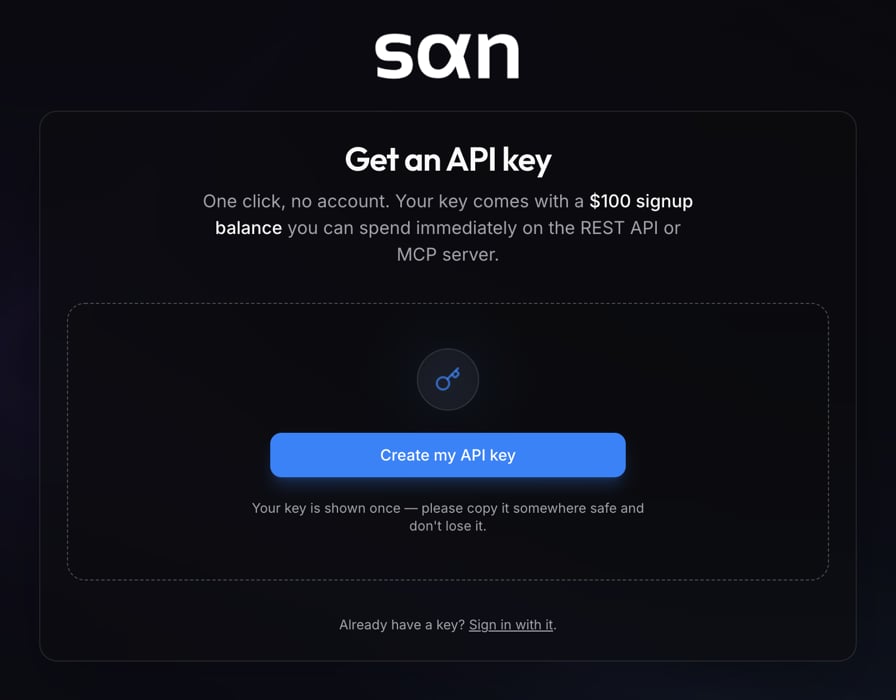 This is the only time the full key will be shown, so copy it and save it somewhere safe right away. Your new key comes with a **\$100 signup balance** (a limited-time signup bonus).
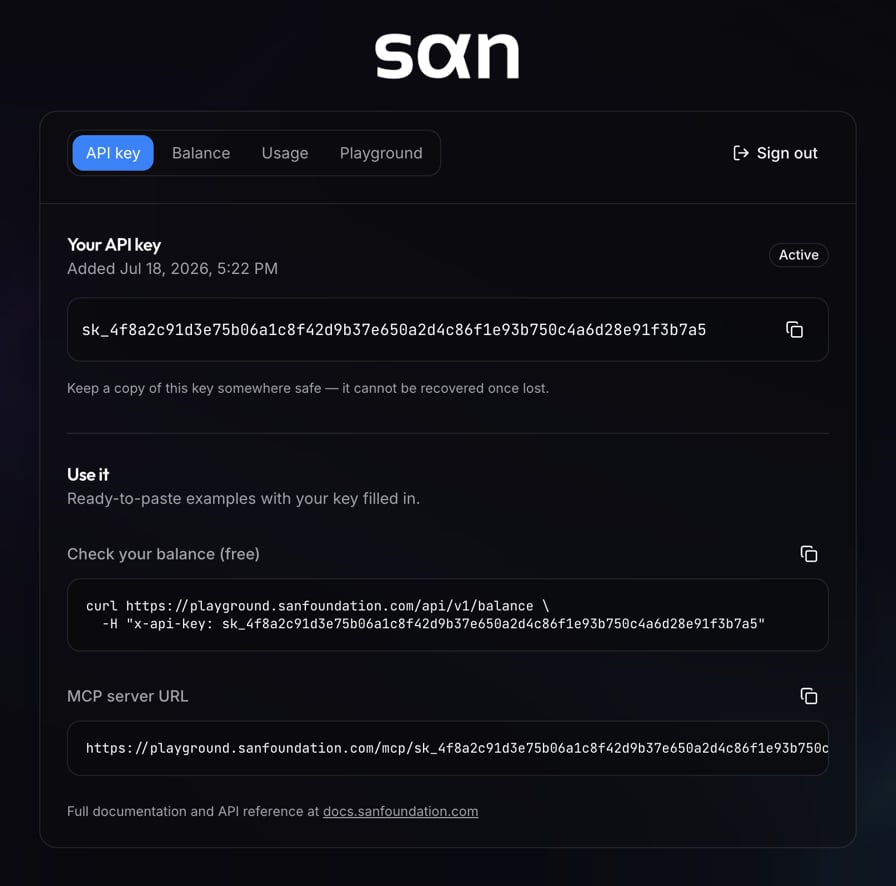 List the agents available on SAN. Pass your key in the `x-api-key` header on every request.
```shellscript theme={null}
curl https://playground.sanfoundation.com/api/v1/agents \
-H "x-api-key: sk_..."
```
Already have a key? Enter it on the [login page](https://playground.sanfoundation.com/portal/login) to check your balance and usage.
List the agents available on SAN. Pass your key in the `x-api-key` header on every request.
```shellscript theme={null}
curl https://playground.sanfoundation.com/api/v1/agents \
-H "x-api-key: sk_..."
```
Already have a key? Enter it on the [login page](https://playground.sanfoundation.com/portal/login) to check your balance and usage.