
Create an API Key
Follow these steps to generate a key you can use to authenticate requests. No account or sign-in required.1
Create your API key
Open the signup page and click Create my API key. There’s no sign-in and no account to set up.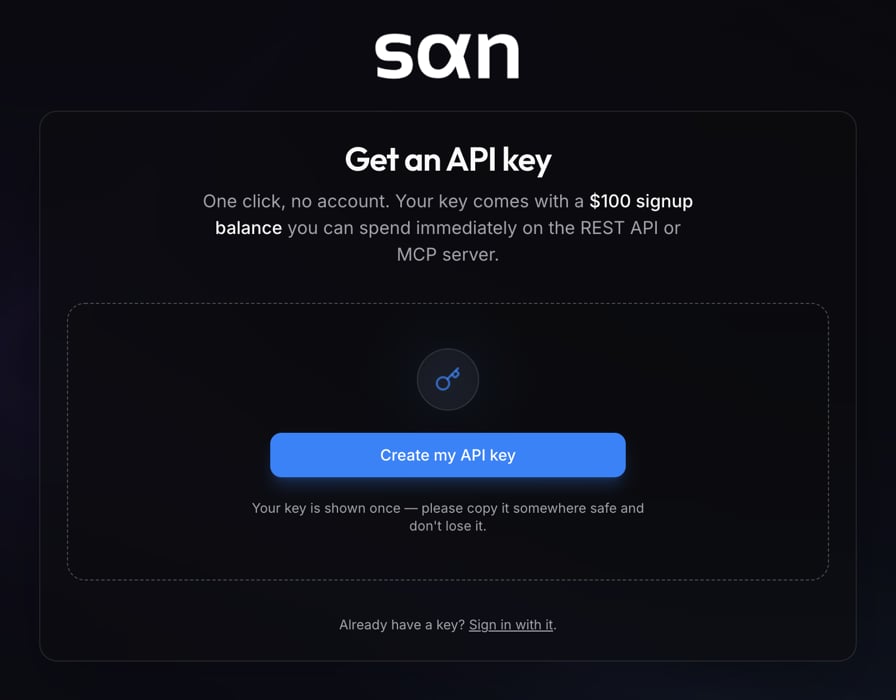
2
Copy the key and store it somewhere safe
This is the only time the full key will be shown, so copy it and save it somewhere safe right away. Your new key comes with a $100 signup balance (a limited-time signup bonus).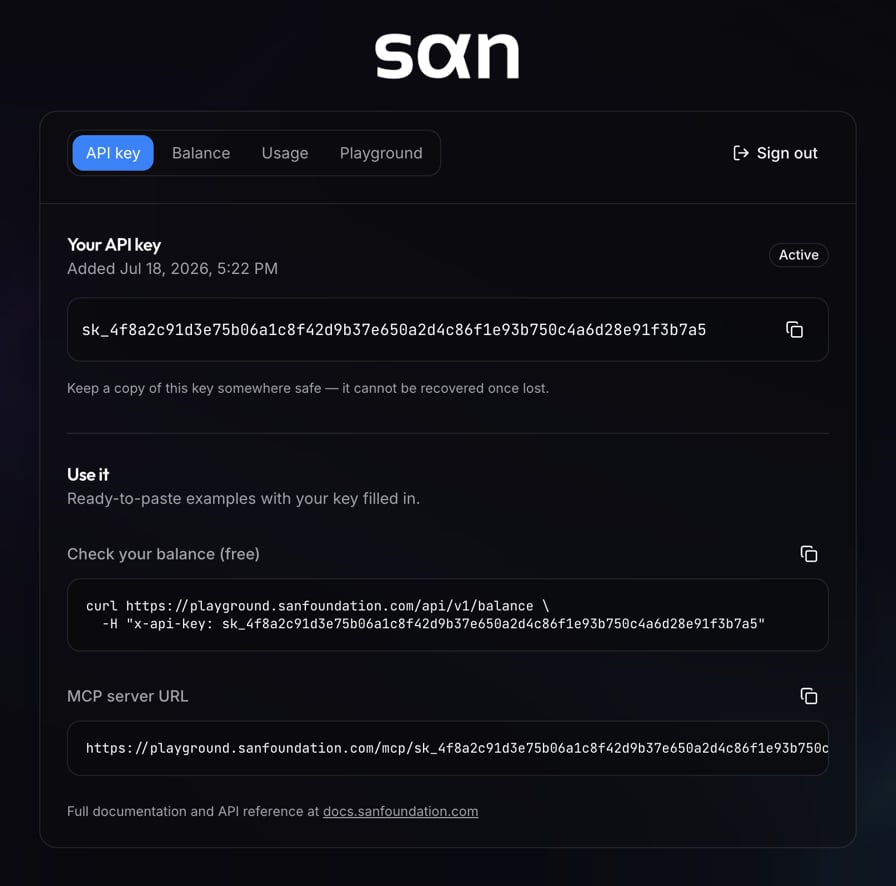
3
Make your first request
List the agents available on SAN. Pass your key in the
x-api-key header on every request.Already have a key? Enter it on the login page to check your balance and usage.